
Vehicle Insurance Check
Verify a vehicle's insurance provider, policy validity and expiry date by registration number in the VahanInfo app — and get alerts before the policy lapses.
What you can check in the app
- Insurance provider (company name)
- Policy validity and expiry date
- Insurance status — active or expired
- Expiry reminders before the policy lapses
How to check insurance validity
Install the VahanInfo app
Download VahanInfo free from Google Play — no signup is needed to run a check.
Enter the vehicle number
Type the registration number exactly as on the plate, for example GJ05AB1234.
Open the insurance section
The report shows the insurer name, policy validity and whether the cover is currently active.
Set an expiry alert
Save the vehicle in the app to get a reminder before the policy expires, so renewal never slips.
Why checking insurance matters
Third-party insurance is mandatory for every vehicle on Indian roads. An expired policy risks fines, personal liability for accident damages and losing your no-claim bonus. Buying a used vehicle? Always confirm the policy status before payment — an active policy can be transferred to your name within 14 days of ownership transfer.
The website preview shows only basic RC fields. Insurance details appear in the full report inside the app, keeping sensitive data off public pages.

Free • No signup required • Expiry alerts included
Everything Your Vehicle Needs in One App
RC, DL, Challan, RTO Exam, Fuel Prices and Smart Calculators.
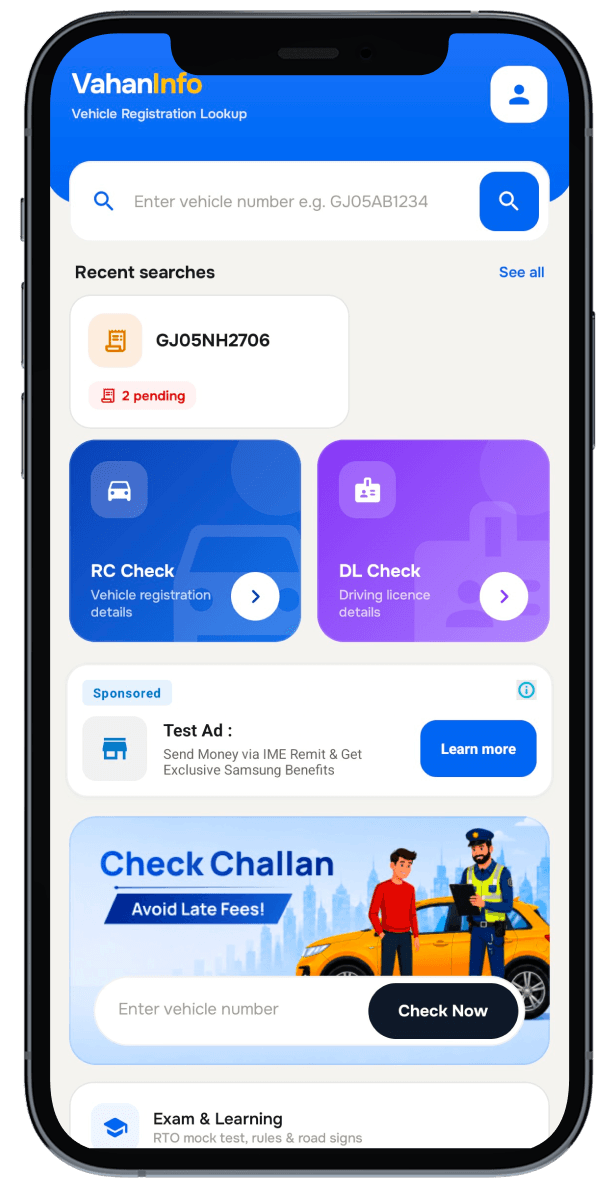
- Complete RC, DL and challan details
- RTO exam mock tests in your language
- Insurance & PUC expiry alerts
- Fuel prices and smart calculators
- Save vehicles, download PDF reports
- Dark mode and offline cached results
Scan to download VahanInfo
Free • No signup required • Available in 12 Indian languages • Your searches stay private
FAQ
Frequently asked questions
VahanInfo is an independent application and is not affiliated with or endorsed by any government authority.